Calendar & Scheduling
Your whole week, organised on one screen
See every job, every team member, and every time slot — without digging through texts and notebooks. Schedule, assign, and reschedule in seconds.
Your entire week on one screen
Switch between daily and weekly views to see exactly what's on, where, and for who. Every job is colour-coded by status — so at a glance you know what's scheduled, what's in progress, and what needs attention.
- Daily and weekly calendar views in one tap
- Colour-coded by job type and status
- See all jobs across your entire team
- Spot gaps and conflicts before they become problems
- Scroll forward weeks ahead to plan capacity
- Jump to any date instantly
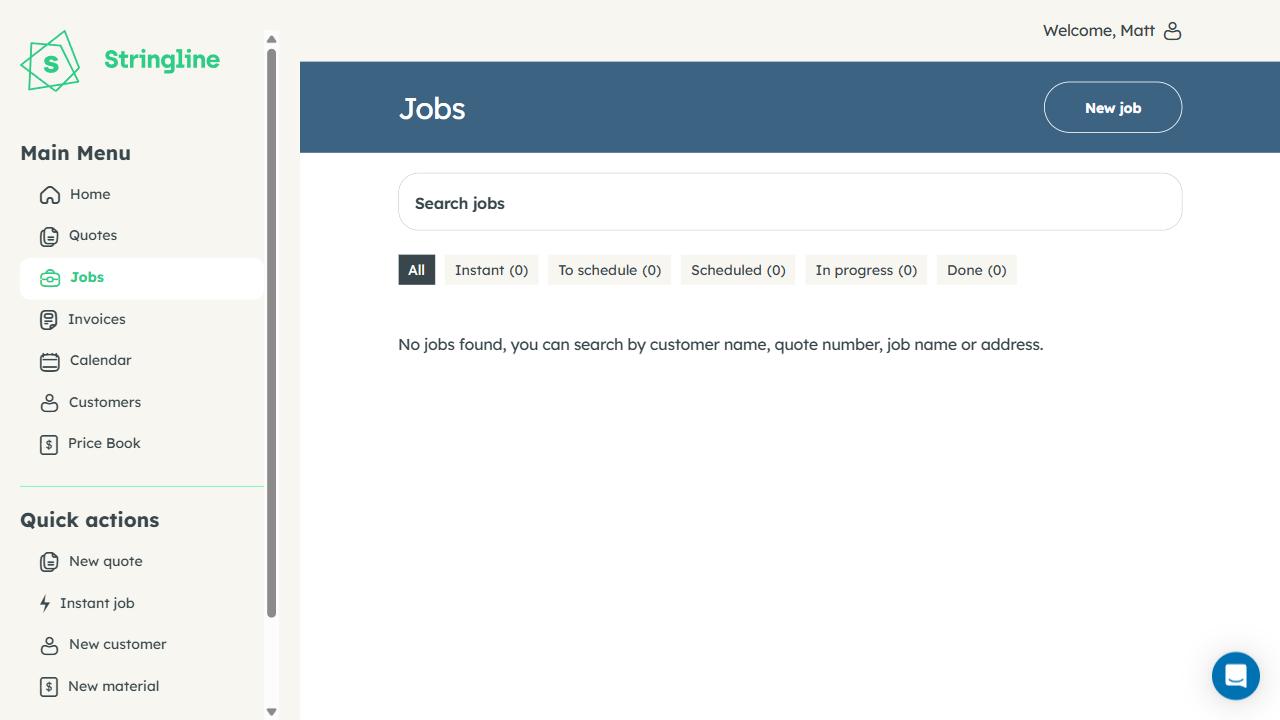
Weekly overview
See every job across your whole team laid out day by day. Identify slow days, overloaded days, and open slots — before the week starts.
Colour by status
Green for scheduled, blue for in progress, amber for awaiting parts, red for overdue. You know the state of every job without reading a single word.
Plan weeks ahead
Scroll forward to see upcoming availability. Commit recurring customers to a regular slot and never scramble for bookings at the end of the week.
Everyone knows where to be and when
Assign any job to any team member in two taps. Each person sees only their own schedule on their phone. No group chats, no spreadsheets, no morning briefings — just everyone knowing exactly what's on and where to go.
- Assign any job to any team member instantly
- Each staff member sees their personal daily schedule
- Push notification the moment a job is assigned or changed
- Reassign jobs on the fly when plans change
- Team capacity overview to avoid overloading anyone
- See who is available and who is fully booked
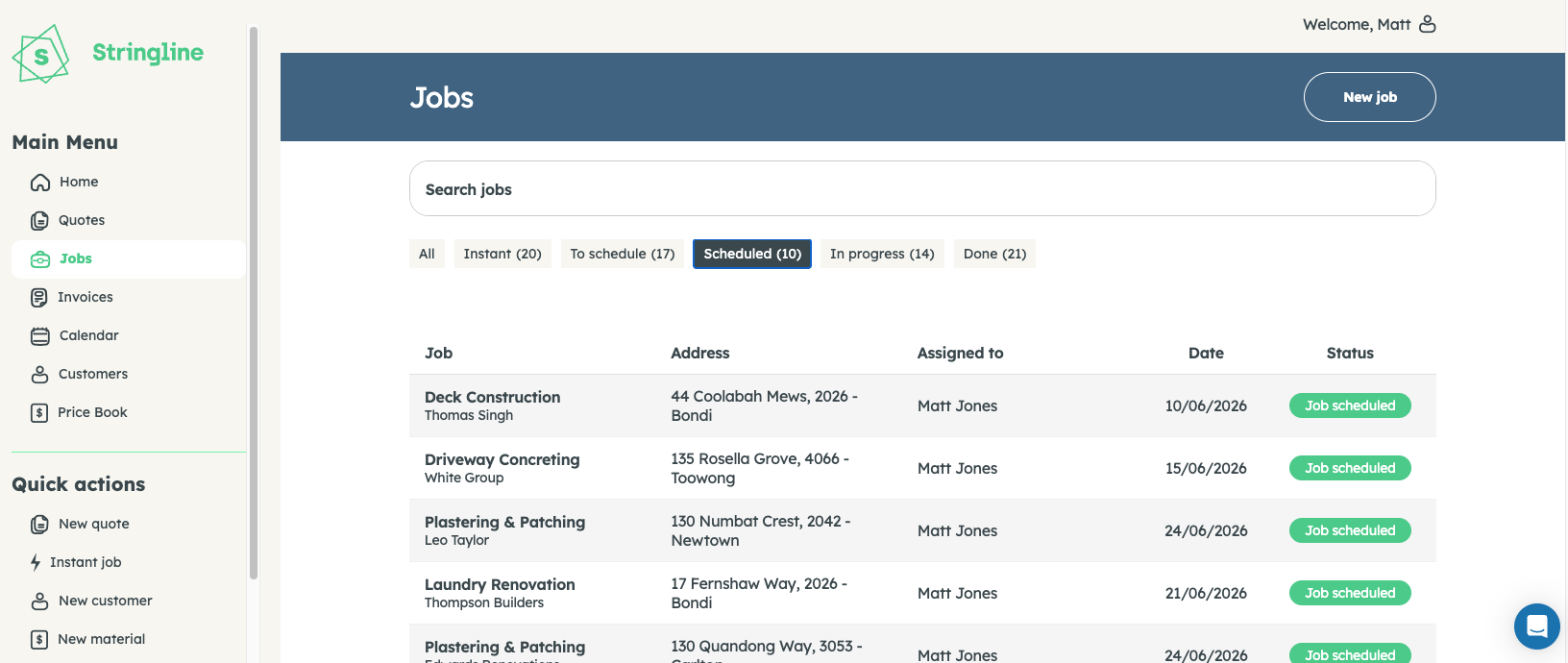
Teams of any size
Run a team of two or twenty. Every job assigned to the right person. Everyone has clarity. Nobody shows up to the wrong address.
Instant notifications
The moment you assign or reschedule a job, the staff member gets a push notification with all the details. No phone call required.
Easy rescheduling
A customer cancels last minute? Reassign the slot and notify the new staff member in under ten seconds. No chaos, no wasted time.
From your calendar to the customer's door
Tap any job card in your schedule and go straight to turn-by-turn navigation — no copying addresses into Maps. The site address from the job opens directly in Apple Maps or Google Maps, ready to go.
- One tap from any job card to GPS navigation
- Works with Apple Maps and Google Maps
- Always uses the job's confirmed site address
- Estimated travel time shown per job for planning
- Multiple site addresses per customer supported
- Works offline once directions are loaded
Always the right address
The directions open to the site address on the job card — not the customer's billing address. No more showing up at the wrong location.
Your choice of Maps
Works with whichever map app your team prefers — Apple Maps, Google Maps, or Waze. No forcing everyone onto the same app.
Travel time planning
See estimated drive time between jobs so you can build a realistic schedule — and stop promising customers windows you can't keep.
Scheduling that actually works in the field
From job creation to arrival on-site — everything flows.
Create and schedule
A job appears automatically when a quote is accepted. Set a date and time, or drag it into an open slot on the calendar.
Assign to your team
Pick the staff member. They get a push notification with the job details. No call required. No forwarding messages in a group chat.
Navigate and complete
Tap the job for GPS directions. Complete it on-site. Invoice the moment you're done. The calendar updates in real time.
"The scheduling view is a game-changer. My whole week is laid out and I can see instantly if I've double-booked — which just doesn't happen anymore. My guys know where to be every morning without me sending a single message."
Ready to run a tighter schedule?
Start your free 14-day trial. No credit card required. Your whole week will be organised before lunch.
14-day free trial · No credit card · Cancel any time